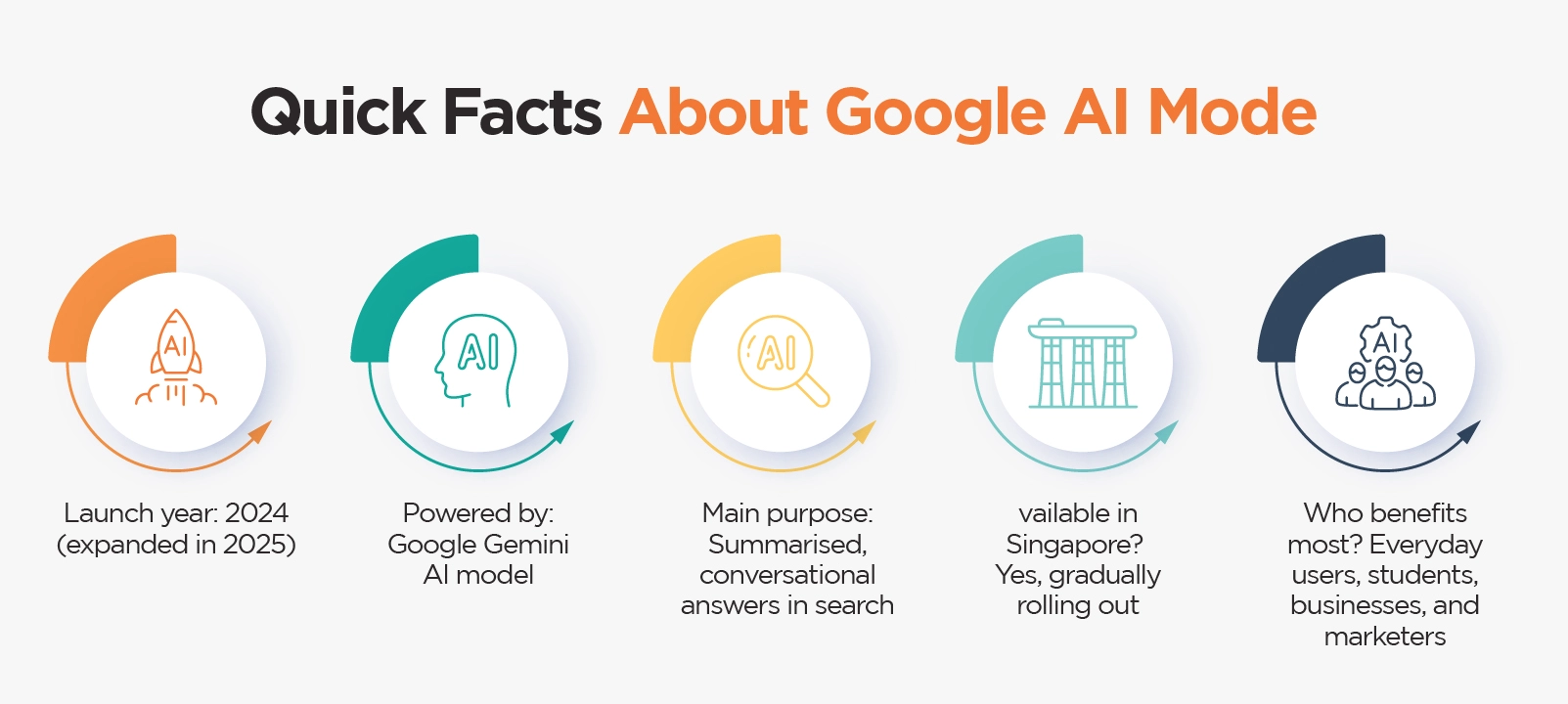
What Is Google AI Mode?
Google AI Mode is an AI-powered feature within Google Search that enhances how results are delivered. Instead of simply displaying a list of links, it uses artificial intelligence to:
- Summarise information from multiple sources.
- Provide direct, conversational-style answers.
- Suggest follow-up questions (like a chat).
- Highlight key insights, statistics, or definitions.
Think of it as a built-in AI assistant inside Google Search that saves you time scrolling through multiple sites.
Why Did Google Introduce AI Mode?
Google’s mission has always been to “organise the world’s information.” With AI Mode, the goal is to:
- Save time for users: Instead of opening 10 links, you get instant answers.
- Handle complex queries: Perfect for multi-step questions (e.g., “Compare iPhone 15 vs Samsung S23 for photography”).
- Compete with AI chatbots: As tools like ChatGPT and other AI-driven SEO tools continue to grow, Google wants to keep users inside its own ecosystem.
- Boost relevancy: AI Mode ensures users get more personalised, context-rich search experiences.
How Does Google AI Mode Work?
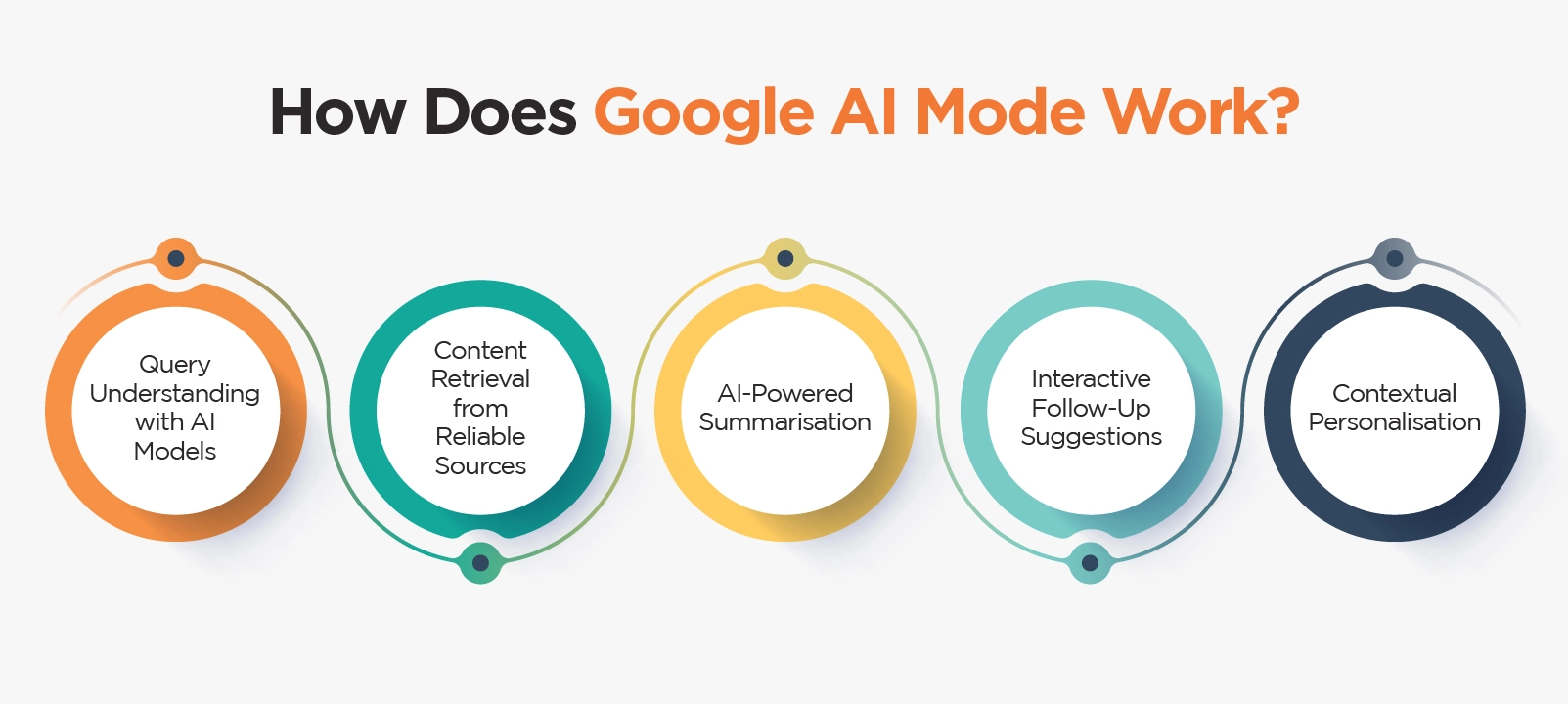
Google’s AI Mode changes the way search results are delivered by moving beyond simple keyword matching. Instead, it uses advanced artificial intelligence to interpret intent, summarise content, and provide answers directly on the search page. Here’s a closer look at how it works step by step:
1. Query Understanding with AI Models
When you type or speak a query, Google’s Gemini AI model first analyses what you’re really asking. Instead of just picking out keywords, it looks at the context and meaning behind your search.
For example, if you search “best hawker centre in Singapore,” the AI recognises that you’re interested in food, local experiences, and maybe even affordability, not just a list of places.
2. Content Retrieval from Reliable Sources
Next, Google scans its massive index of websites to identify high-quality, trustworthy sources. It uses signals like E-E-A-T (Experience, Expertise, Authoritativeness, Trustworthiness) to filter out weak or unreliable content.
In practice, this means government websites, credible news portals, and businesses with strong local reputations are more likely to appear in AI Mode results.
3. AI-Powered Summarisation
Instead of overwhelming users with 10 blue links, Google condenses the most relevant information into a concise summary. These summaries are easy to read, highlight key facts, and often compare multiple sources.
For a busy Singapore user searching for “best tuition centres in Tampines,” AI Mode might return a short overview with names, reviews, and location tips all without requiring a click.
4. Interactive Follow-Up Suggestions
One of the biggest changes in AI Mode is the ability to make search feel conversational. After your initial query, Google suggests related follow-up questions.
For example, if you ask about “best laksa near Orchard MRT,” the AI might prompt you with:
- “Which hawker centres are family-friendly?”
- “What are affordable options nearby?”
This turns search into an interactive, chatbot-like experience.
5. Contextual Personalisation
AI Mode also tailors results based on your location, preferences, and device type. In Singapore, that could mean showing nearby businesses with MRT directions, highlighting promotions in SGD, or recommending services popular in your neighbourhood. Over time, this personalisation makes search feel more relevant and useful for each user.
How to Use Google AI Mode Effectively?
Whether you’re a student, business owner, or casual user, knowing how to get the most out of Google AI Mode can save time and improve your results.
1. Everyday Users
- Use natural, conversational language instead of short keywords.
- Example: “Which cafés in Tiong Bahru have free WiFi?” instead of “Tiong Bahru café.”
- Ask follow-up questions AI Mode is designed for back-and-forth conversation.
2. Students and Researchers
- Great for summarising timelines, concepts, and study aids.
- Example: “Causes of World War II simplified.”
- Always cross-check with textbooks or peer-reviewed sources.
3. Business Owners
- Check how your products/services appear in AI Mode (e.g., “marine equipment supplier Singapore”).
- Optimise your Google Business Profile with photos, reviews, and updated info.
- Benchmark how competitors appear in summaries.
4. Marketers and Content Creators
- Use AI Mode to find trending questions.
- Structure content with H2/H3 headings, FAQs, and schema markup.
- Example: Write blogs targeting questions like “What is the cheapest co-working space in Singapore?”
5. Tech-Savvy Users
- Combine with voice search for hands-free convenience.
- Try multilingual queries (Mandarin, Malay, Tamil).
- Use Google Lens and Maps for interactive experiences.
Impact of Google AI Mode on SEO & Businesses
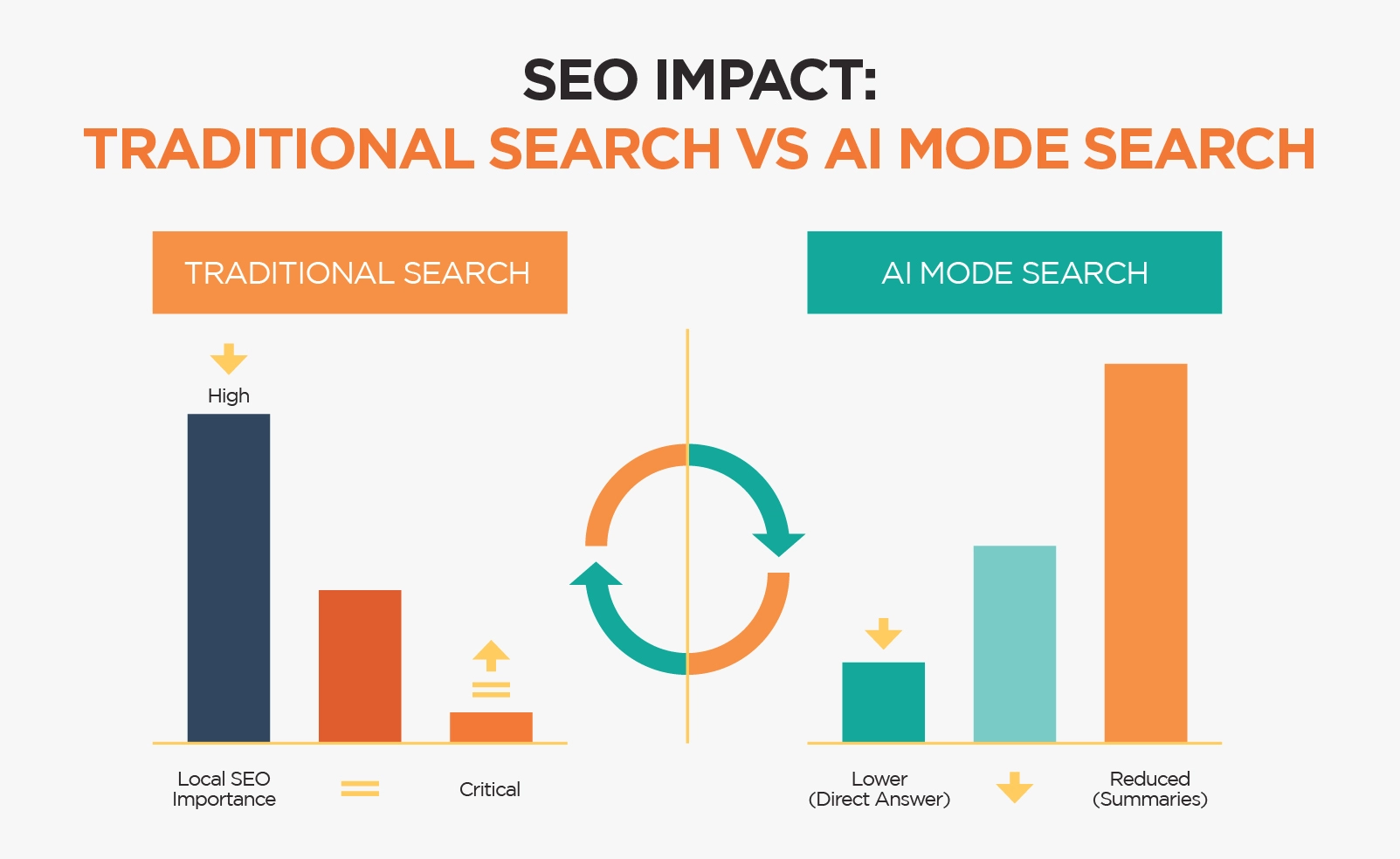
AI Mode isn’t just changing search for users it’s reshaping digital marketing too.
- Fewer clicks to websites: Businesses need to optimise for AI summaries.
- E-E-A-T importance: Google prioritises content from authoritative, trustworthy sites.
- Local SEO boost: Businesses optimised for local and hyperlocal keywords and reviews have higher chances of being featured.
- Content strategy shift: Marketers must create clear, structured, fact-based content.
Conclusion
Google AI Mode represents the future of search faster, smarter, and more interactive.
For Singapore users, it’s an opportunity to get hyperlocal, relevant answers without spending extra time browsing multiple sites.
For businesses, the rise of AI Mode means one thing: optimising content for AI-driven search is no longer optional. By focusing on clarity, credibility, and local SEO, you can ensure your brand is visible in both AI summaries and traditional search results.
Want to prepare your business for the future of search? Contact us today to get started.


 Share
Share